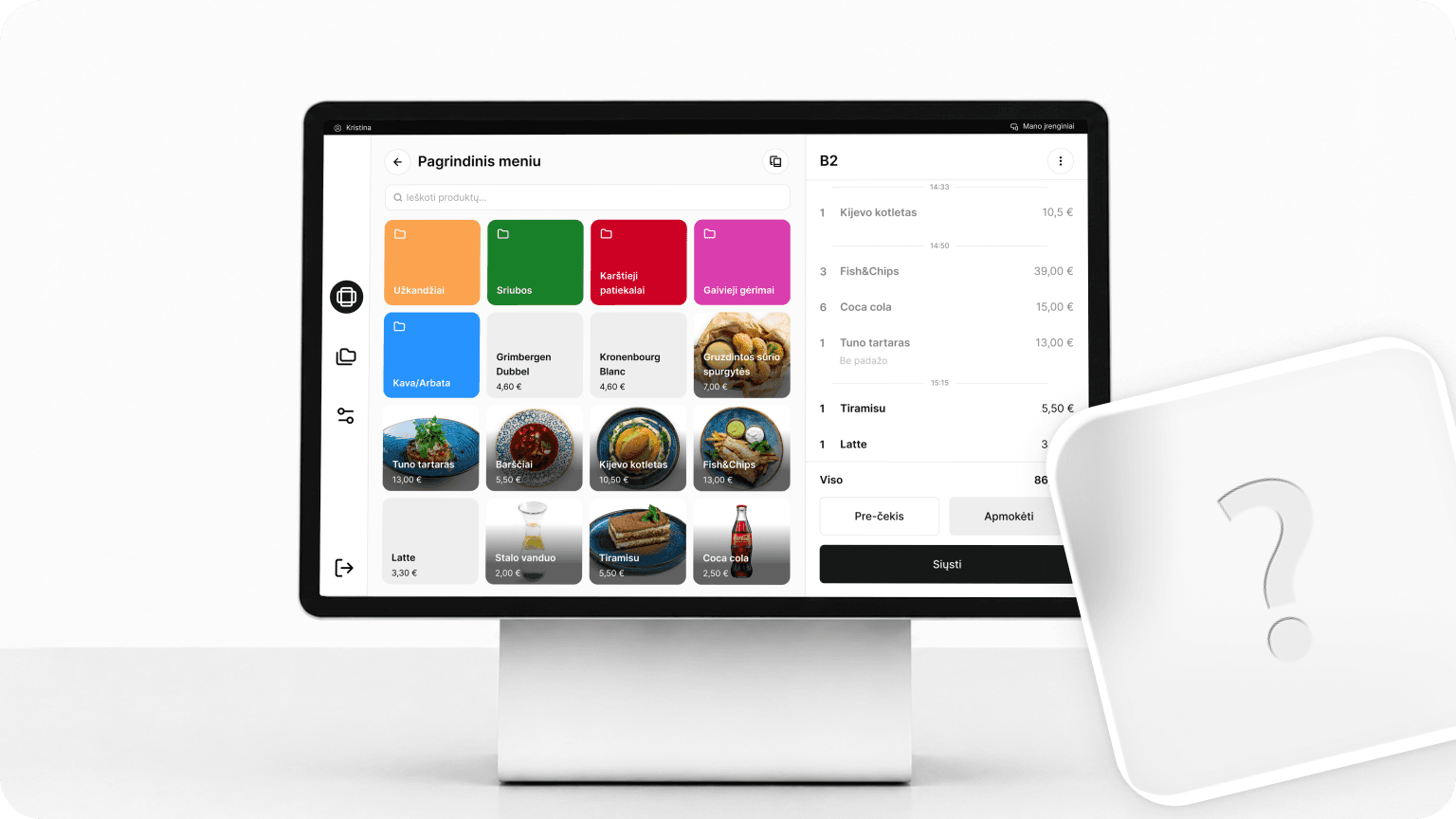
How to choose a POS system for your restaurant: 10 questions to ask before you buy
A POS system is more than a machine that prints receipts. Every day, it determines how quickly a server can take an order, whether the kitchen receives it without errors, how long guests wait for the bill, and whether you know exactly what was profitable by the end of the week.
The wrong restaurant POS system can cost you more than you think: slower service, more frequent mistakes, extra manual work, and the need to look for a new system just a year later. So before you sign a contract, ask your provider these 10 questions.
1. Is the system built specifically for restaurants?
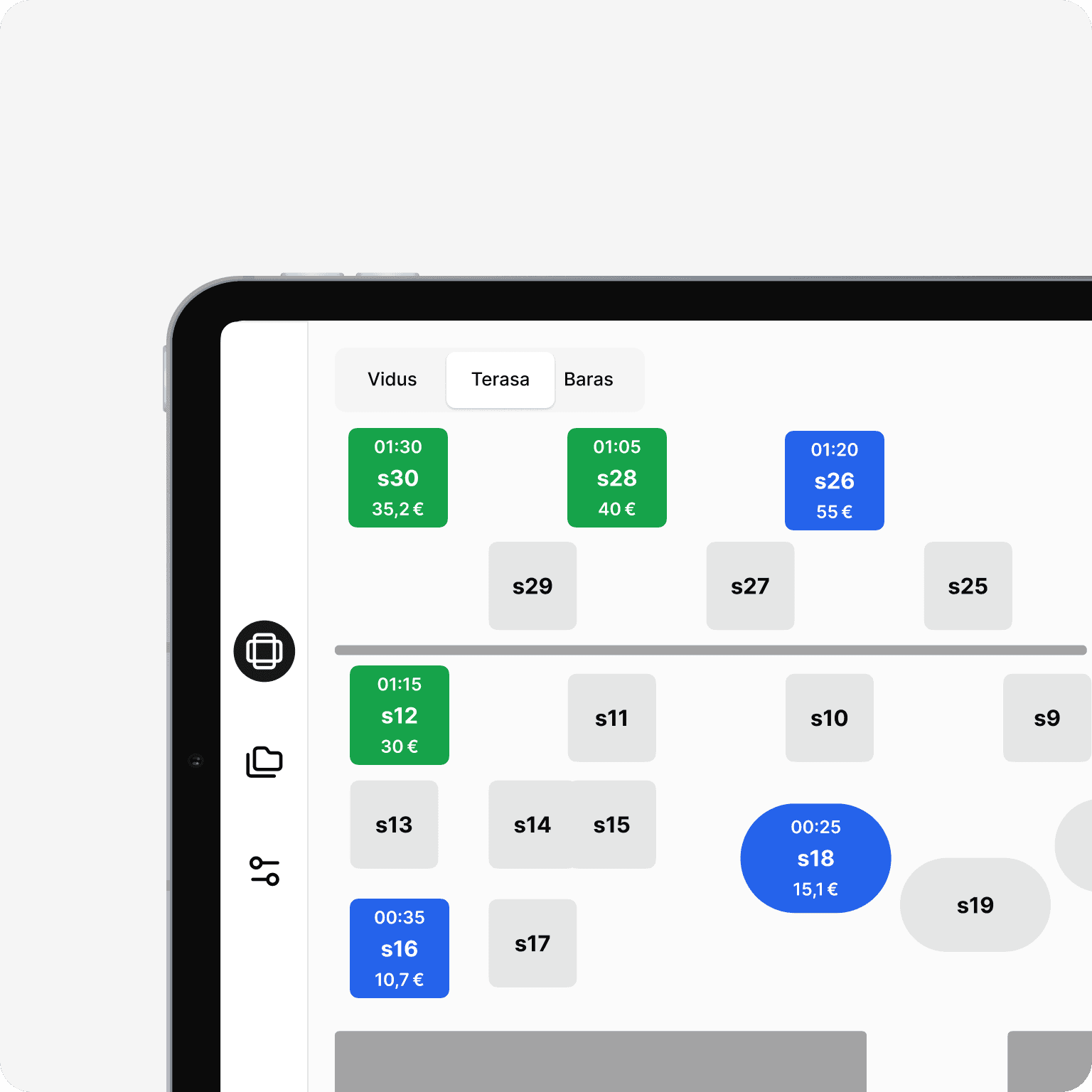
Not every POS system is suited to the way a restaurant works. A general-purpose POS may work perfectly well for a shop or another type of business, but a restaurant needs specific features: a table plan, order routing to the kitchen and bar, bill splitting, and an easy way to modify dishes, such as removing ingredients or adding extras.
When choosing a POS system, ask to see more than how it takes a payment. Ask to see how it handles everyday situations when the restaurant is serving a lot of guests at once.
2. Does it meet Lithuanian requirements?
A POS system must meet the requirements of the State Tax Inspectorate (VMI) and be integrated with the i.EKA system. Before choosing a provider, make sure this integration is already working, and find out who will take care of system updates when legislation changes.
It's also worth asking whether the provider charged extra for the i.EKA integration. Since these changes were mandatory, the provider's approach to pricing can show what additional costs you might expect in the future. It's important to know in advance whether you'll have to pay extra for updates required by law.
3. How much will it really cost per year?
The monthly subscription is only part of the price. Ask for a list of all costs:
- hardware (tablets, printers, payment terminals): how much does the price differ from what you can find online?
- handheld devices for servers: how much is the monthly license?
- installation and training costs
- service costs: how much does it cost if, for example, a printer disconnects and needs to be reconnected? Is each call-out charged separately?
- fees for additional devices or users
- add-on modules (reports, loyalty, integrations)
Calculate the total cost of all of these over 12–24 months, not just the monthly support fee.
4. How fast does it work at peak times?
On a Friday night, every second at the POS means a guest left waiting. Ask how many taps it takes to enter an order, whether servers can take orders at the table on a handheld device, and how the system behaves when many orders come in at once.

5. Will it work if the internet goes down?
The internet connection can drop at any time, but that shouldn't bring your restaurant to a halt. The POS system should let you keep taking orders and printing receipts, then automatically sync the data once the connection is restored. Before choosing a system, find out which features work offline and what limitations may apply when the connection is lost.
6. Can guests order and pay on their own?
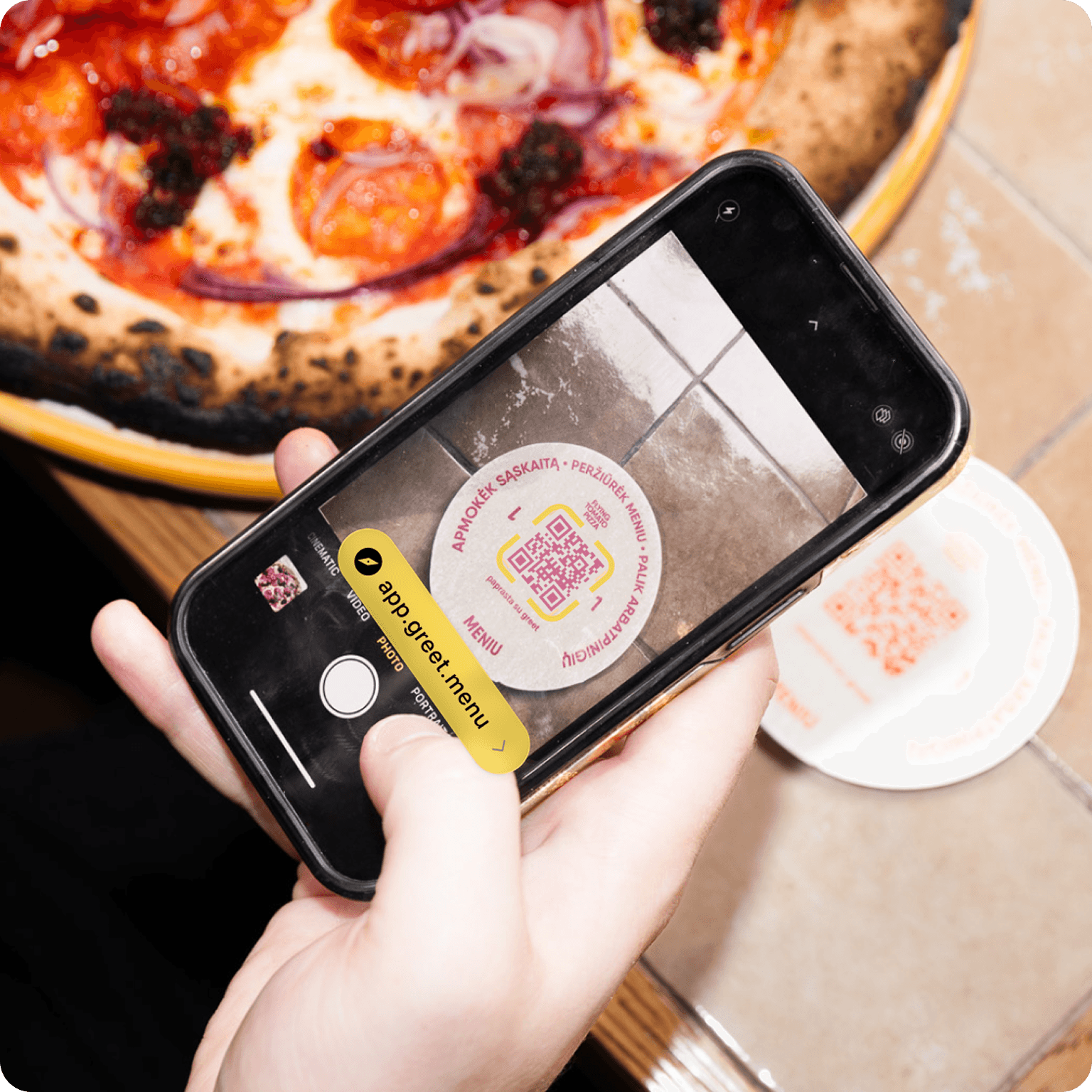
QR ordering and payment at the table can reduce your servers' workload and shorten guests' waiting time. If a POS provider offers these features, find out whether the solution is its own or comes from another provider. It's also worth asking how many restaurants already use it and how long it has been on the market. A system that has been proven in practice and is constantly being improved may be a more reliable choice than a brand-new, little-tested solution.
7. What reports will you see?
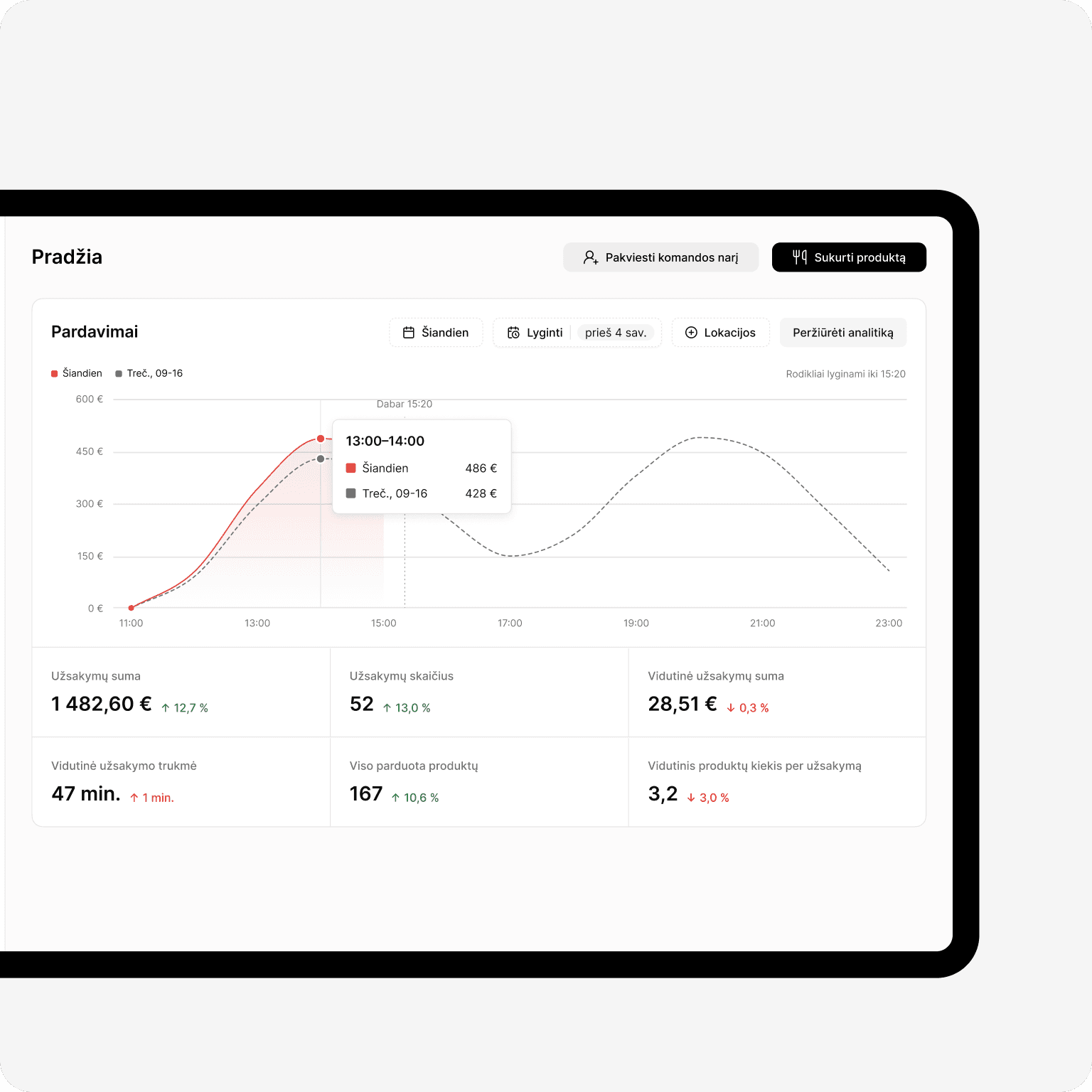
A POS system should answer simple questions: which dishes are the most profitable, which hours bring in the most guests, what the average order value is, and how each employee is performing. When choosing a system, find out whether you can follow sales data and reports in real time, whether they're available on your phone, and whether data can be exported for accounting.
8. What does the system integrate with?
Think about which other systems you already use or plan to use: accounting, inventory management, reservations, self-service kiosks. Every missing integration means manual work and a risk of errors.
9. Does the provider build the system itself or just resell it?
Over time, your restaurant may need additional features, new integrations, or custom changes to the system, so it's important to find out whether the provider develops and improves the POS system itself or simply distributes another company's product. A provider that builds its own system can respond directly to customer needs and deliver the changes you need faster. Resellers, on the other hand, usually depend on the decisions and capabilities of the system's developer. Before choosing a provider, find out who builds the system, where its development team is based, and how customer suggestions are taken into account.
10. Who will help when something stops working?
Problems don't happen between 9 and 5. They happen on Saturday night. Ask when support is available, in which languages, and how quickly they respond. A local team that understands how restaurants work is often more valuable than any feature.
In summary
The best POS system is the one you don't even notice at peak time: it just works, and you can see what's happening in your restaurant.
When choosing a POS system, consider not only its features and upfront price but also its long-term costs. Find out how much additional hardware, technical support, system updates, or new features will cost over several years. Only when you know all the terms can you compare providers' offers objectively and choose the best solution for your restaurant.
Want to see how it all works in practice? Book a demo of the Greet POS system and find out how it meets all 10 criteria covered in this article.